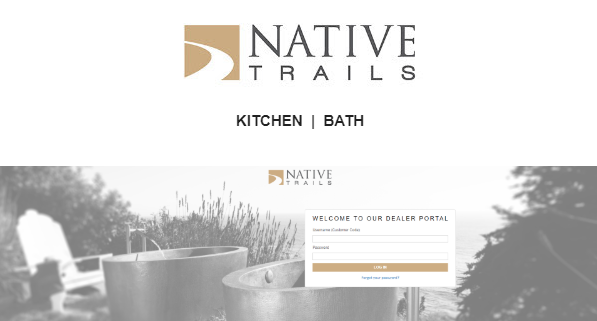
The portal was designed with simplicity and ease-of-use in mind. To make it a complete no-brainer, we’ve also put together some quick tutorial videos for you to browse. If you’re not yet familiar with the portal these short, one to two minute videos are a great introduction to help get you started.
Please discuss with your showroom leadership before using the Native Trails Dealer Portal as we want to be in compliance with all Showroom guidelines. Contact your local Native Trails Agency Representative in your area or the Native Trails Customer Service team directly for your log-in information.
View all the tutorial videos here.
Topics Include:
Dealer Portal Overview
Log-In and Navigation
The Reports Tab
Inventory Report
Excess and Discontinued Inventory
RGA Requests
Literature and Sample Requests
Dealer Displays and Promos
Questions about something not mentioned in one of these videos?
Contact Customer Service at mail@nativetrailshome.com
Speak Your Mind